Literature Note Template (Zotero + Obsidian)
A Templater-based Obsidian template that auto-fills literature note metadata from Zotero. Title, authors, year, DOI, abstract — pulled in automatically.
You're in — download starting…
Your email joined the newsletter list. One workflow per week, unsubscribe anytime.
Download didn't start? Click here →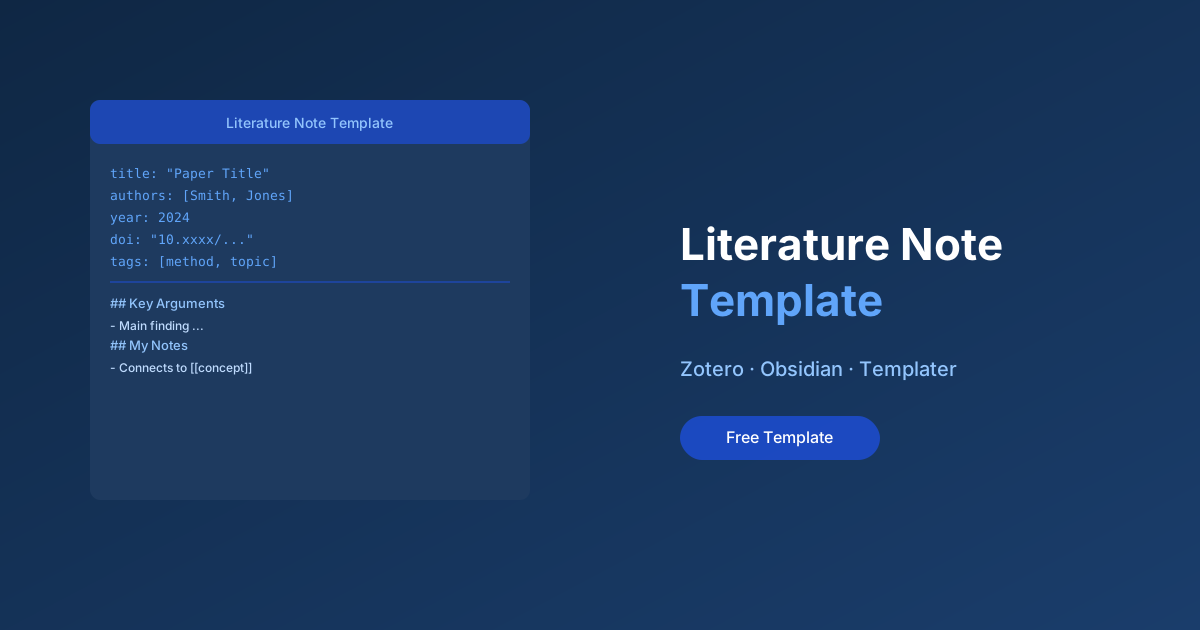
What's Included
- Full YAML frontmatter (title, authors, year, DOI, journal, tags)
- Templater auto-fill from Zotero via BetterBibTeX
- Structured sections: Abstract, Key Arguments, Methods, My Notes, Connections
- Linked mentions block for finding related notes
- Citation block pre-formatted for copy-paste
Who This Is For
- Researchers who want structured, consistent literature notes
- Anyone using Zotero + Obsidian together
- PhD students building a reading log for their literature review
How the Template Works
When you trigger the template in Obsidian, Templater runs a script that reads your frontmatter and optionally queries the Zotero API (if you supply the citekey). In the simplest version, you fill in the citekey manually and the template structures everything else.
The resulting note looks like this:
# Smith (2023) — Title of the Paper

## Abstract
[paste or auto-fill]

## Key Arguments
-

## Methods
-

## My Reading Notes
-

## Connections
- [[related-concept]]
- [[another-paper]]
Quick Setup
- Copy the template file to your vault’s
_Templates/folder - Open Templater settings → set your templates folder
- Assign a hotkey (e.g.
Cmd+Shift+L) for triggering this template - Create a new note, trigger the template, and enter the citekey from Zotero
Overview
One Markdown template for literature notes that keeps every paper you read queryable: metadata fields that match Zotero’s Better BibTeX export, a claims/evidence/limitations structure that forces real reading, and a “connects to” section that builds your idea graph one paper at a time.
Why use it
Unstructured paper notes rot: you remember writing them but can’t search what mattered. This template’s discipline — one core claim, the evidence for it, its stated limitations, your honest take — is a comprehension test disguised as note-taking. If you can’t fill the fields, you haven’t read the paper yet.
How to use it
- Drop the template into your notes app (Obsidian, Logseq, Zettlr — it’s plain Markdown).
- Name notes by citekey (
@smith2024title) so citations link back to notes. - Fill it in immediately after reading — the fields take five minutes while the paper is fresh, thirty when it isn’t.
Ready to get started?
Enter your email and I'll send the link straight to your inbox.
Every subscriber gets the full resource library in the welcome email. Free, no spam, unsubscribe anytime.
Check your inbox!
The download link is on its way. Can't find it? Check spam.
Download didn't start? Click here →