Obsidian PhD Starter Vault
A pre-configured Obsidian vault built for PhD students. PARA structure, literature note templates, and a daily note system — set up in minutes, not hours.
You're in — download starting…
Your email joined the newsletter list. One workflow per week, unsubscribe anytime.
Download didn't start? Click here →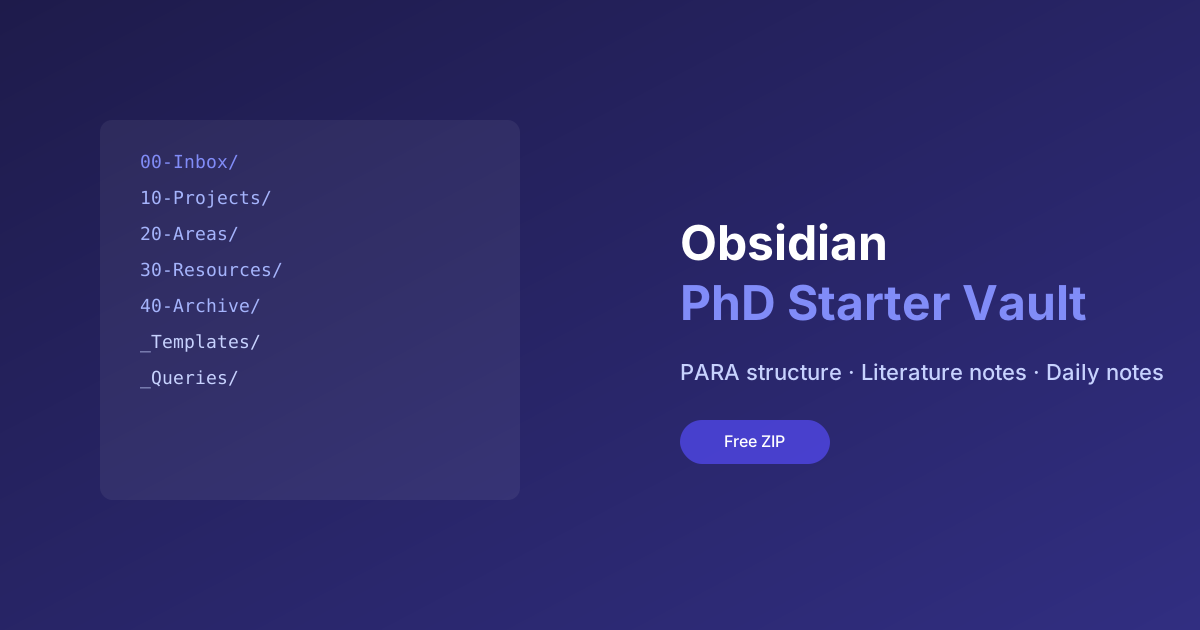
What's Included
- PARA folder structure (Projects, Areas, Resources, Archive)
- Literature note template with Zotero-compatible fields
- Daily note template with research log and task sections
- Meeting note template for supervisor check-ins
- MOC (Map of Content) template for topic overviews
- Dataview queries for recent papers and open tasks
- README with setup instructions
Who This Is For
- PhD students starting an Obsidian-based research workflow
- Researchers feeling overwhelmed by an empty vault
- Anyone who watched the Obsidian for PhD setup video and wants the files
What the Vault Looks Like
When you open this vault in Obsidian for the first time, you’ll find a clean, opinionated structure:
00-Inbox/         ← temporary landing zone for quick captures
10-Projects/      ← active research projects (thesis chapters, papers)
20-Areas/         ← ongoing responsibilities (teaching, admin, methods)
30-Resources/     ← reference material, authors, concepts
40-Archive/       ← completed or inactive notes
_Templates/       ← all templates in one place
_Queries/         ← pre-built Dataview dashboards
Setting Up in 5 Minutes
- Download and unzip the vault
- Open Obsidian → “Open folder as vault” → select the unzipped folder
- Install the Dataview plugin (Settings → Community plugins)
- Open
_Queries/Research Dashboard.mdto see your active projects
That’s it. Start by adding a paper you’re reading using the Literature Note template (Cmd/Ctrl+T).
Overview
An empty Obsidian vault is where most research note-taking systems die. This starter vault skips the six weeks of structural procrastination: a PARA folder layout, literature-note and daily-note templates wired to Zotero-compatible fields, and Dataview queries that surface open tasks and recent papers automatically.
Why use it
The value is not the folders — it is the decisions already made for you. Literature notes have a consistent field structure (citekey, claim, evidence, my-take), so six months of notes stay queryable. The daily note doubles as a research log, which becomes your progress record at supervision meetings and your memory at write-up time.
How to use it
- Download and unzip, then open the folder as a vault in Obsidian.
- Install the two community plugins it expects (Dataview, Templater) when prompted.
- Read the included README note — it walks the structure in ten minutes.
- Create your first literature note from the template and adapt the fields you don’t need. The vault is a starting point, not a rulebook.
Ready to get started?
Enter your email and I'll send the link straight to your inbox.
Every subscriber gets the full resource library in the welcome email. Free, no spam, unsubscribe anytime.
Check your inbox!
The download link is on its way. Can't find it? Check spam.
Download didn't start? Click here →